
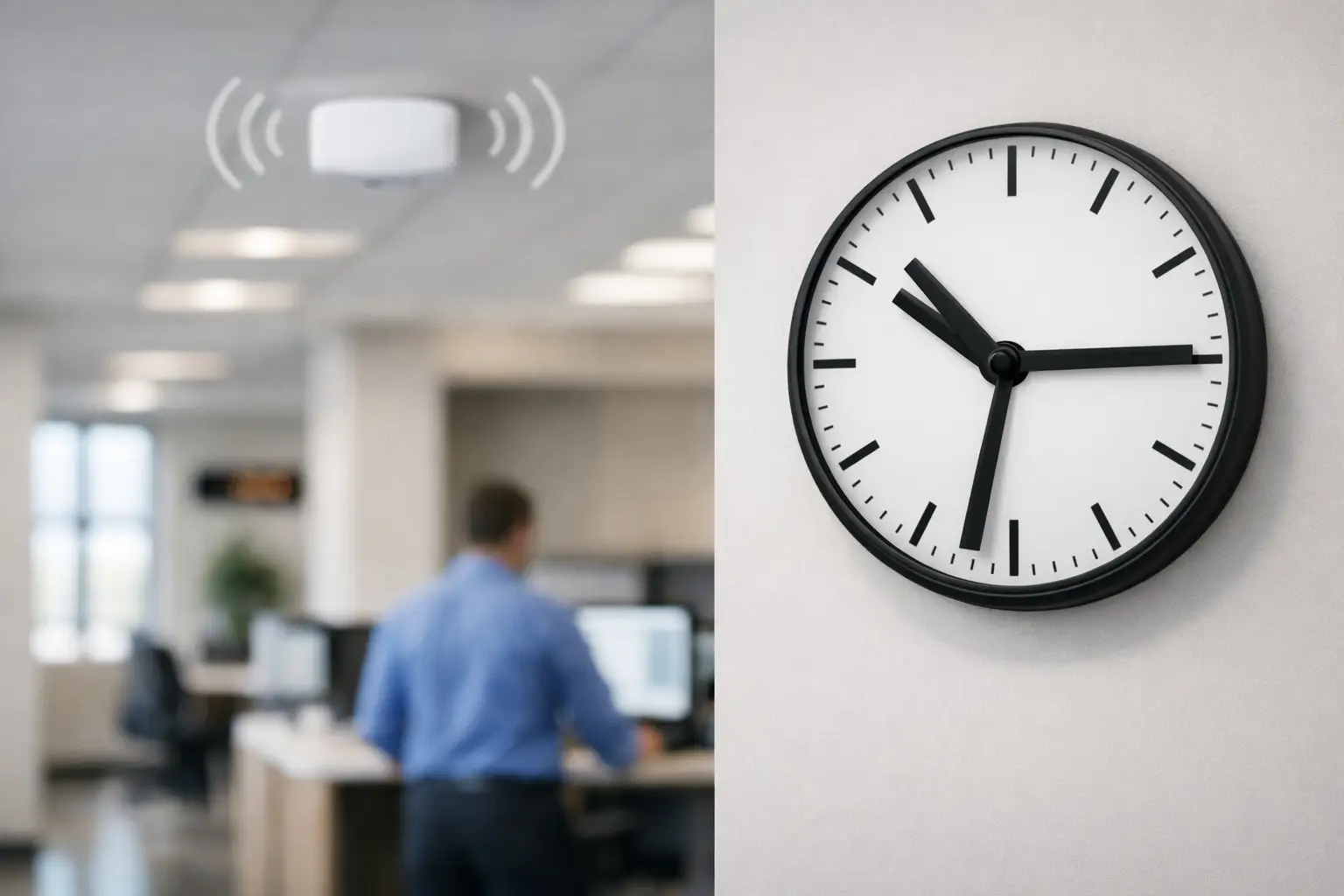
A school bell goes at 10:30, but the corridor clock outside science still reads 10:27. In a warehouse, one packing zone is running three minutes fast while dispatch is two minutes slow. These sound like small issues until they start affecting movement, handovers, attendance, compliance and customer experience. Wireless clock systems are designed to remove that drift by keeping time displays aligned across a site without the disruption of extensive signal cabling.
For facilities teams, estates managers and procurement leads, the attraction is straightforward. You need accurate, highly visible timekeeping across multiple rooms or buildings, but you may not want the cost, programme impact or building disruption of a traditional wired synchronised installation. A wireless system can often provide the control benefits of synchronisation with a more practical installation route.
What wireless clock systems actually do
Wireless clock systems use a central time source and transmitter arrangement to send correction signals to slave clocks installed around a building or campus. Rather than each clock relying only on its own independent movement, the system keeps all connected clocks aligned to the same time reference.
That matters most in operational environments where consistency is not just cosmetic. In hospitals, staff handovers, clinic flow and patient-facing areas benefit from clearly synchronised displays. In schools and colleges, lesson changes, exams and break periods run more smoothly when every clock agrees. In warehouses, leisure centres and transport settings, visible and consistent time supports coordination, punctuality and public confidence.
The practical advantage is in the infrastructure. Because the clocks receive timing information wirelessly, there is generally far less installation cabling compared with a hard-wired pulse system. That can make wireless especially attractive in occupied buildings, heritage sites, extensions, refurbishments and multi-room environments where opening walls or installing containment would be disruptive.
Where wireless clock systems fit best
Wireless is often the right choice when a site needs synchronised time but does not want a major cabling project. That includes schools upgrading from independent quartz clocks, healthcare sites adding synchronised clocks into live wards and clinical spaces, and commercial estates where timelines or budgets rule out extensive rewiring.
It is also a strong option for phased projects. A site may start with one building, then extend coverage into another block later. With the right system design, that is often easier than retrofitting a conventional wired network after the fact.
That said, wireless is not automatically the answer in every building. The structure of the site matters. Thick walls, plant-heavy areas, long distances between buildings and local sources of interference can all affect signal planning. This is why system design matters as much as the clock itself. A good specification looks at coverage, mounting positions, display size, power source, environment and future expansion from the outset.
The main commercial benefits
The first benefit is consistency. When clocks across reception, corridors, classrooms, warehouses and staff areas display the same time, the building operates with less friction. People stop questioning which clock is correct and start relying on the displays.
The second is visibility. Commercial clock systems are not domestic products scaled up for office walls. In many settings, buyers need larger analogue dials or bright LED displays that can be read quickly from a distance and under varied lighting conditions. Wireless synchronisation is most effective when paired with the right clock format for the space.
The third is installation practicality. In many refurbishments, labour and access costs can outweigh hardware. Reducing signal cabling can shorten installation time and limit disruption in live environments.
The fourth is maintainability. A properly specified wireless system can simplify site-wide time management because clocks are corrected centrally rather than adjusted one by one. For estates teams overseeing multiple departments or buildings, that has obvious value.
Wireless versus wired, WiFi and PoE
Buyers often compare wireless clock systems with wired, WiFi and PoE alternatives. The right choice depends on the building, the IT environment and the operational brief.
A wired synchronised system remains a strong option where a new-build or major refurbishment already includes the necessary infrastructure. It can be highly effective, but installation is usually more involved. If cable routes are difficult or the site is already operational, costs and disruption can rise quickly.
WiFi clocks can suit organisations that want clocks to sit on the network and draw time from approved sources. However, they depend on network availability, security policies and IT approval. In some sectors, that is perfectly acceptable. In others, it creates delays or complications that facilities teams would rather avoid.
PoE clocks offer power and data through a single cable, which can work well where the network design supports it. But they still require structured cabling to each clock point, so they are not the obvious answer for every retrofit.
Wireless often sits in the middle ground. It avoids much of the cabling burden of wired and PoE systems, while also reducing dependence on local network policy compared with WiFi solutions. For many commercial sites, that balance is exactly the point.
What to consider before specifying a system
Coverage should come first. A transmitter may serve a substantial area, but no serious buyer should assume a one-size-fits-all answer. The building fabric, floor layout and distance between clock locations all affect performance. Multi-building sites may need repeaters, additional transmitters or a different system architecture.
Clock type matters just as much. An office reception may suit a clean analogue clock, while a sports hall, warehouse or rail environment may need large LED displays for fast readability at distance. In healthcare, considerations can include wipe-clean cases, second hands, quiet running or specialist locations such as theatres and treatment areas.
Power is another factor. Some wireless clocks are battery powered, which can simplify installation further. Others are mains powered, which may be preferable for larger displays or where maintenance intervals need to be managed differently. Battery operation can be ideal in certain locations, but buyers should weigh accessibility, replacement schedules and estate-wide maintenance planning.
Accuracy source is also worth clarifying. Not all systems are configured in the same way. Buyers should understand how the master clock or control unit maintains time, how daylight saving changes are handled, and what happens after a power interruption.
Finally, think beyond the current project. If the site may expand, refurbish additional areas or standardise time displays across multiple buildings later, choose a system with room to grow. Short-term purchasing can create long-term inconsistency.
Common mistakes buyers make
One common mistake is focusing only on unit price. In commercial projects, the installed cost and the operational fit are usually more important than the headline cost of a clock. A cheaper clock that is too small to read, unsuited to the environment or difficult to integrate is rarely the economical option.
Another is underestimating visibility requirements. A clock that looks adequate on a specification sheet may be ineffective once mounted in a long corridor, warehouse bay or sports facility. Dial diameter, numeral clarity, LED character height and viewing angle all need proper consideration.
A third is treating synchronisation as a nice-to-have. In many environments, it is part of operational discipline. If one department runs to a different displayed time than another, the cost shows up in delays, confusion and avoidable complaints.
The final mistake is choosing technology before defining the use case. Wireless may be ideal, but not because it is fashionable. It is ideal when it suits the building, the programme, the maintenance model and the operational need better than the alternatives.
Why supplier expertise matters
Wireless clock systems are rarely just a product drop. They work best when the supplier understands both the technical options and the realities of the site. That includes recommending the correct display type, planning for signal coverage, accounting for difficult environments and specifying equipment that fits the sector.
A school, a hospital and a distribution centre may all need synchronised time, but they do not need the same clock. Experienced commercial suppliers approach the project by use case, not by catalogue page. That is where specialist support has real value, particularly for estates teams managing live buildings or contractors coordinating wider refurbishment works.
Clock Systems Service Ltd operates in exactly that space, supplying tailored commercial clock solutions for organisations that need timekeeping to be dependable, legible and appropriate to the environment.
Wireless clock systems make sense when you need synchronised time without turning a practical installation into a building project of its own. The best results come from specifying the system around the site, the users and the operational pressure the clocks must support. Get that right, and time stops being something people question and becomes something the building can simply rely on.